
Clicking on the blue "Account" link in the upper right hand corner of the Vivid Seats Broker Portal will direct you to additional pages that are designed to assist with managing your account.
The "Billing" page will allow you to enter your credit card information. All Large Seller accounts must have a valid credit card number over the phone or enter it into the Vivid Seats Broker Portal.
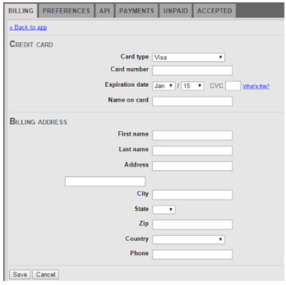
For your security, once a credit card has been entered, you will only see the last 4 digits of the card number when you revisit this page.